
The InteliFix edit

A better-equipped
repair business.

Thoughtful choices for your counter, your workbench and your customer communication.

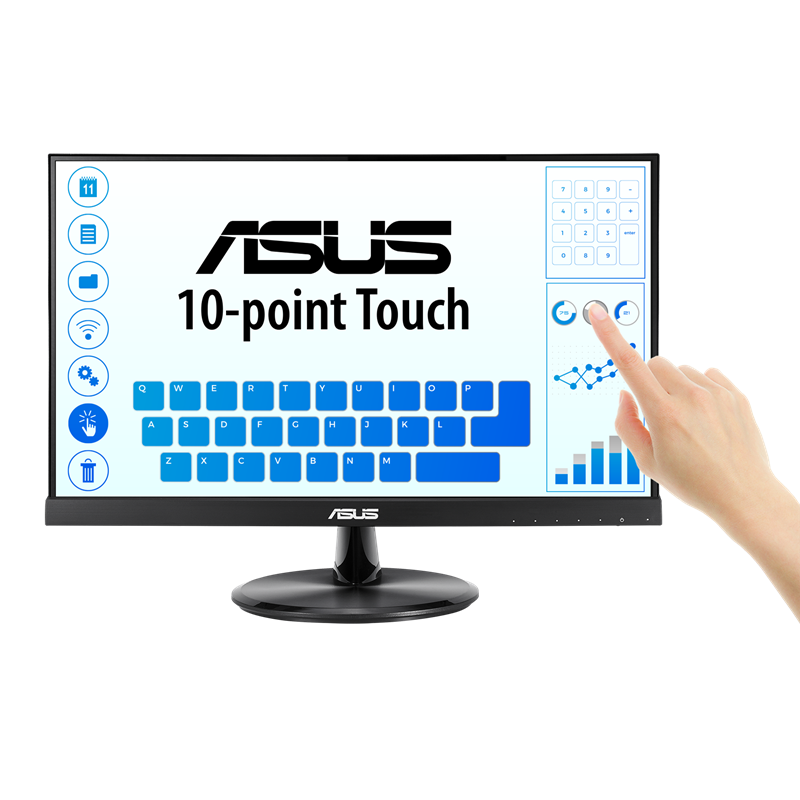
01 / COUNTERASUS VT229H touchscreen monitor

A more hands-on front desk

ASUS VT229H

A touchscreen for booking in devices and moving through repair records at the counter.

  • 21.5-inch display
  • Full HD IPS
  • 10-point touch
Explore the monitor
Before you buy

Check ASUS touchscreen drivers for your operating system and confirm the video and touch-data connections. Choose a stable stand and comfortable counter position. Keep a keyboard and mouse for detailed notes.
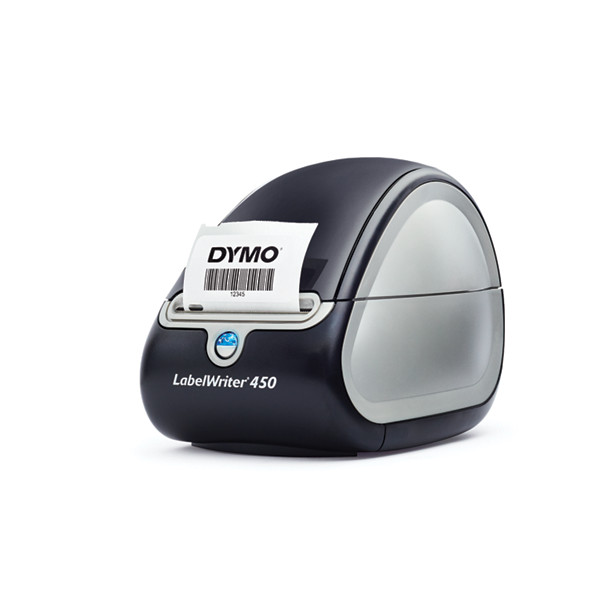
02 / WORKBENCHDYMO LabelWriter 450 label printer

Every device, clearly identified

DYMO LabelWriter 450

Keep devices linked to their repair records with InteliFix jobsheet labels.

  • Label preview
  • Copy quantity
  • Downloadable label file
DYMO software & support
Setup & label compatibility

Check DYMO's current operating-system requirements and install the appropriate DYMO Connect software on the computer doing the printing. Connect the printer locally and keep its service running.

Select your printer in InteliFix and print a test label. Choose rolls compatible with the LabelWriter 450 and match their dimensions to your label template.

03 / COMMUNICATIONBrevoSent. Delivered. Opened.
Visible in InteliFix.

InteliFix email tracking

Know when your
customer emails arrive.

Connect Brevo to see email activity inside InteliFix for jobsheets, invoices, quotes, repair reports, receipts and other InteliFix emails sent through the integration.

Spot delivery issues and follow up with confidence, without losing the context of the repair.

Explore Brevo

A Brevo account and configured tracking integration are required. Events appear when reported by Brevo; an open event does not prove a message was read. Check current plans and sending limits.

Referral link: InteliFix may receive a commission if you sign up through this link.